
Best Video Editing Tools for Ecommerce Content in 2026
Product brands now publish more video than ever, and the right editor depends on which videos you make most. We compared seven, from a studio that edits product video every day, using each company's pages on November 19, 2026.
Short answer
For fast vertical videos, CapCut is free with Pro at $19.99 a month. For talking-head videos and demos, Descript edits by transcript from $16 a month yearly. For ads and product films, DaVinci Resolve is free or $295 once, and Final Cut Pro is $12.99 a month or $299.99 once. OpusClip cuts long videos into shorts, Submagic adds captions, and Kapwing suits teams in the browser.
Finished Videos per Hour, Then Price
We read each company's pricing and product pages on November 19, 2026, and recorded plans, limits and features, and added what we have learned editing product video daily. Then we ranked for a $1M to $10M brand: how many usable videos a typical marketing team can finish per hour, then price.
The finding that should change how you shop: the fastest tool for a non-editor and the best tool for an editor are different. Most brands do best with one of each.
Fastest for non-editors
CapCut, Submagic, OpusClip.
Best for talking-head
Descript.
Pro editors
DaVinci Resolve, Final Cut Pro.
Not verified
Adobe Premiere Pro (site blocks checks).
Pick by Video Type
TikTok and Reels
CapCut.
Founder videos and demos
Descript.
LIVE replays into clips
OpusClip.
Ads and product films
DaVinci Resolve.
7 Video Editing Tools, Ranked for Ecommerce
CapCut
Fast short-form editor with templates and AI tools · free, Pro $19.99 a month
What it does: The quickest way to cut vertical ads and social videos: templates, auto captions, background removal, voice tools and AI video generation with credits. Teams adds a brand kit for shared fonts, colors and logos.
It ranks first for most product brands because a non-editor can ship a TikTok or Reel in minutes, straight from a phone or a laptop. Its pricing page does not state commercial-use terms and says prices are for reference only, so read its license before using templates or stock in paid ads.
Free. Pro $19.99 a month (1,200 AI credits). Ultra $79 (8,645 credits). Teams $12.49 a seat a month. 7-day Pro trial for new users; availability varies by region.
Source: capcut.com pricing page · checked Nov 19, 2026
Descript
Edit video by editing the transcript · free, paid from $16 a month
What it does: Turns footage into a transcript you edit like a document, with filler-word removal, Studio Sound, clip creation and an AI co-editor called Underlord. Business adds brand templates for teams and translation and dubbing in 30+ languages.
It ranks high for founders who record talking-head videos, demos and podcasts, because cutting by text is far faster than cutting on a timeline.
Free (1 media hour, 720p with watermark). Hobbyist $16 a month yearly or $24 monthly (10 hours). Creator $24 or $35 (30 hours, 4K). Business $50 or $65 (40 hours). Enterprise custom.
Source: descript.com pricing page · checked Nov 19, 2026
DaVinci Resolve
Professional editing and color, free or Studio for $295 · free
What it does: A full professional editor with the industry's leading color tools, audio mixing and effects, free to use. Studio adds the AI Neural Engine features: Magic Mask, Smart Reframe for vertical cuts, object removal, voice isolation, noise reduction and Super Scale upscaling.
We edit in Resolve every day. It ranks third only because it takes weeks to learn; for a brand with an editor, nothing here does more for the price.
Free. DaVinci Resolve Studio listed at $236, reduced from $295.
Source: blackmagicdesign.com Resolve Studio page · checked Nov 19, 2026
Final Cut Pro
Apple's pro editor for Mac and iPad · $12.99 a month or $299.99 once
What it does: A fast professional editor for Mac and iPad with automatic captions, automatic reframe for vertical, object tracking, Magnetic Mask, beat detection and visual and transcript search. It is now included in Apple Creator Studio, and the Mac version is still sold once.
Apple Creator Studio $12.99 a month or $129 a year (includes Final Cut Pro and the iPad version). Mac one-time purchase $299.99. 30-day free trial.
Source: apple.com Final Cut Pro page · checked Nov 19, 2026
OpusClip
Turns long videos into short clips automatically · free, Pro $14.50 a month yearly
What it does: Finds the strongest moments in a webinar, podcast or LIVE replay, cuts them into vertical clips with captions and reframing, and scores each for likely performance. Pro adds AI b-roll, a scheduler and export to Premiere and Resolve for finishing.
It saves the most time for brands with long recordings, such as TikTok Shop LIVE sessions, founder interviews and podcasts. Review its picks: the clip it scores highest is not always the one that sells the product.
Free (60 credits a month, watermark, clips expire after 3 days). Starter $15 a month (150 credits, no watermark). Pro $29 or $14.50 billed yearly. Business custom.
Source: opus.pro pricing page · checked Nov 19, 2026
Submagic
Animated captions, cleanup and quick edits for shorts · from $12 a month yearly
What it does: Adds styled animated captions, removes silences and bad takes, cleans audio and adds b-roll to short videos, then publishes to social accounts. Plans cap the number of captioned videos and their length.
Billed yearly: Starter $12 a month (15 videos, up to 2 minutes). Pro $23 (40 videos, 5 minutes, Brand Kit). Business $41 (100 videos, 30 minutes, 4K, API). Monthly billing higher.
Source: submagic.co pricing page · checked Nov 19, 2026
Kapwing
Browser-based editor for teams · free, Pro $16 a month
What it does: A collaborative editor in the browser with subtitles, resizing, background removal and templates, so several people can work on the same project without installing software. It suits marketing teams that share edits for review.
Free (720p, 4-minute exports, watermark). Pro $16 a month (1,000 credits, 4K, no watermark). Business $50 (4,000 credits, voice clones). Enterprise custom. Annual billing saves up to 33%.
Source: kapwing.com pricing page · checked Nov 19, 2026
Cost per Editor per Year
The Two-Tool Editing Setup
Most product brands do not need one perfect editor. They need two: a fast tool for the many short videos, and a real editor for the few that carry the brand. Pairing CapCut or Submagic for weekly shorts with Resolve or Final Cut for ads and product films covers almost everything for under $300 a year.
Pick by the video you make most. If it is a person talking to camera, Descript's text editing is the fastest. If it is long recordings cut into shorts, OpusClip finds the clips. If it is product b-roll, music and color, a timeline editor such as Resolve or Final Cut gives control the quick tools lack. If several people review each video, a browser editor such as Kapwing saves passing files around.
Set up templates once. Save your caption style, fonts, colors, logo, intro and end card in each tool so every editor produces videos that look like the same brand. Brand kits on CapCut Teams, Descript Business and Submagic Pro do this. Export at the sizes each platform wants: 9:16 for TikTok, Reels and Shorts, 1:1 or 4:5 for feeds, and 16:9 for Amazon and YouTube. Our Meta video ad specs and Amazon video specs list them.
Plan the workflow, not just the tool. A product video moves through capture, selects, rough cut, captions, music, color and export, then gets resized for each platform. Write down who does each step and in which tool. A common setup for a small team: film on phones and one camera, drop footage into a shared folder named by product and date, rough-cut and caption in CapCut or Descript, send the best ads to an editor in Resolve for color and sound, then export masters plus vertical, square and widescreen versions. Name files by product, format and version so nobody uploads the wrong cut.
Use AI features for the dull parts. Auto captions, silence removal, filler-word cuts, smart reframe and noise reduction now work well in most of these tools and save the most time. Review AI captions for product names and claims, which they often get wrong, and check that auto reframe keeps the product in the frame.
Watch what is inside templates. Stock clips, music and effects bundled in quick editors often carry their own license terms, and some are not cleared for paid ads. When in doubt, use your own footage and licensed music.
Check the computer too. Resolve and Final Cut run best on recent machines with plenty of memory, and 4K product footage fills drives quickly. Browser editors such as Kapwing and CapCut online move that load to the cloud but depend on a fast connection. Budget for one capable editing computer and an external drive for raw footage before paying for extra software.
Finally, keep your project files. Cloud editors and subscriptions can lock old projects if you cancel. Export a high-quality master of every finished video and keep raw footage organized by product, so a reshoot or re-edit next quarter starts from your files.
Weekly shorts
CapCut or Submagic.
Talking-head and demos
Descript.
Ads and product films
DaVinci Resolve or Final Cut Pro.
Check
Template stock and music licenses before paid ads.
Five Questions to Ask Before Choosing an Editor
What video do we make most?
Pick the tool for that, not the most powerful one.
Are templates and stock cleared for ads?
Read the license before boosting.
Can we share a brand kit?
Consistency matters more than effects.
What happens to projects if we cancel?
Export masters and keep raw footage.
Who on the team will edit?
A pro editor wasted on a beginner costs time.
About the Author
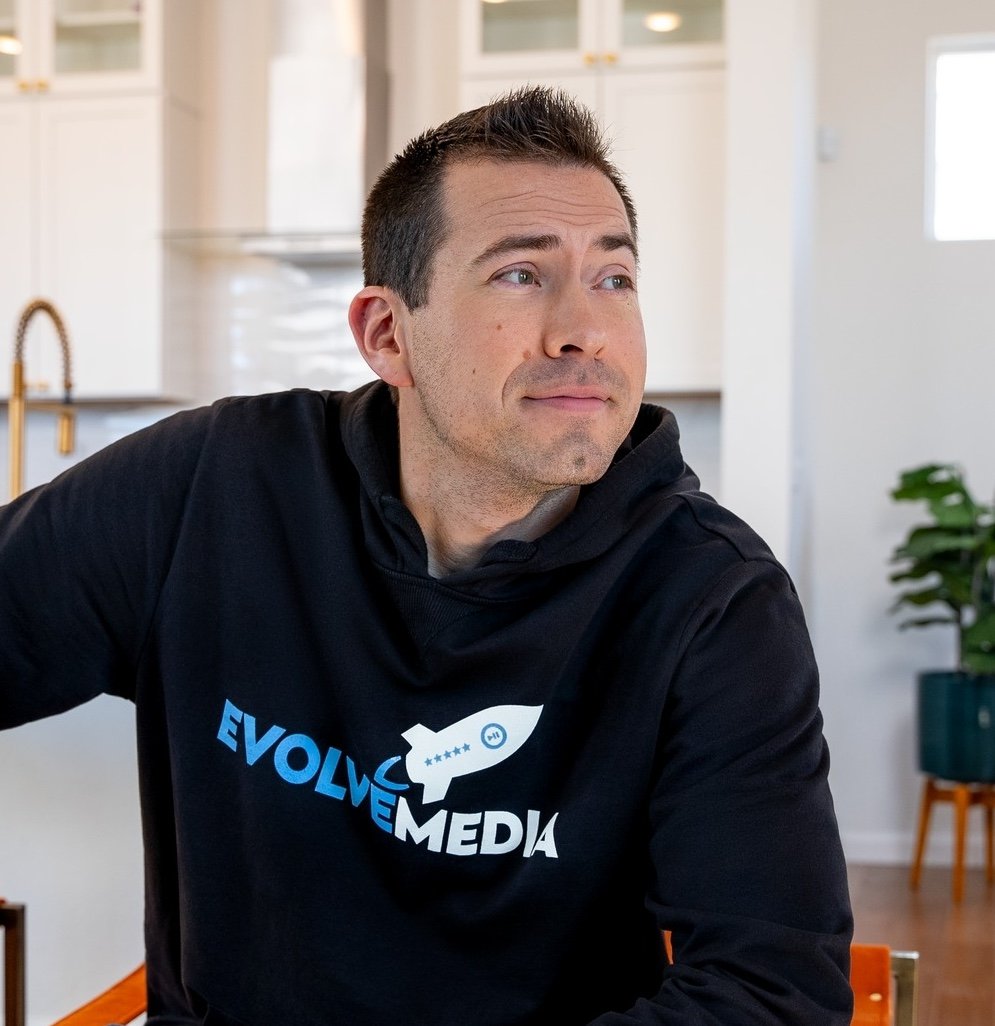
Ian Smith
Founder, Evolve Media Agency
Ian has run Evolve Media Agency since 2017 and has spent more than a decade in ecommerce, building and selling his own brands and running listings, content and ads for Amazon, Shopify and TikTok Shop brands. He writes every page on this site himself, and he checked every term on this page against the company's own site.
Video Editing Questions
What is the best video editor for ecommerce?
Is DaVinci Resolve really free?
Can I use CapCut for brand ads?
Is Descript good for product videos?
How much is Final Cut Pro now?
How do I turn a TikTok LIVE into clips?
Do I need Adobe Premiere Pro?
What size should product videos be?
Should we hire an editor or use AI tools?
How did you rank these tools?
Want Your Product Videos Edited?
We shoot and edit product and ad videos for Amazon, Shopify and TikTok Shop brands. Book a free call.
Want Ian to Look at Your Brand?
Tell us what you sell and where you are stuck. Ian replies within one business day, and you get an email right away with a link to book a free 30-minute call.
- Brand management, PPC, listings, launches and content
- Amazon, Shopify and TikTok Shop brands
- A real reply from Ian, not a sales bot
Rather talk now? Call or text 719-257-3557 or pick a time on Calendly.