
Best AI Product Photo Generators for Ecommerce in 2026
AI tools now handle background cleanup, lifestyle scenes and ad variations for a few dollars a month. We compared eight using each company's own pages on November 19, 2026, and cover where AI images help and where they cause returns.
Short answer
For everyday cleanup and backgrounds, Photoroom starts at $7.50 a month billed yearly and Pixelcut has a free plan. Amazon sellers get free ad scenes from Amazon Ads Image generator. For quick lifestyle scenes, Pebblely starts at $9. Flair.ai gives more control. Apparel brands should try Botika for on-model images. Claid.ai fixes supplier images. Shopify Sidekick is included with Shopify.
Everyday Usefulness per Dollar
We read each company's pricing and product pages on November 19, 2026, and recorded plans, credits, limits and features. Then we ranked for a $1M to $10M brand: how much of the weekly image work each tool handles for the price, with published prices above hidden ones.
The finding that should change how you shop: the cheapest tools handle most of the work, because most product image work is cleanup and resizing. Paying more buys control and on-model images, not better background removal.
Free options
Amazon Image generator, Pixelcut and Flair.ai free plans, Shopify Sidekick.
Under $10 a month
Photoroom, Pixelcut, Pebblely, Flair.ai.
Apparel
Botika.
Price not shown
Claid.ai paid plans.
Pick by the Job
Clean white backgrounds and resizing
Photoroom or Pixelcut.
Amazon ad creative
Amazon Ads Image generator.
Lifestyle scenes for social
Pebblely or Flair.ai.
On-model apparel
Botika.
8 AI Product Photo Generators, Ranked
Photoroom
Background removal, AI backgrounds and product video · from $7.50 a month
What it does: Removes backgrounds, fixes and retouches product shots, adds AI shadows and backgrounds, resizes for each marketplace, and on higher plans makes short product videos for ads. Core tools such as background removal, retouch and resize do not use credits on paid plans; AI backgrounds, AI fashion models and video do.
It ranks first because it covers the daily work most brands need (clean white backgrounds, consistent shadows, marketplace sizes) at a low published price, with an API for catalogs that need thousands of images.
Billed yearly: Pro $7.50 a month (8,000 AI credits, 1,000 exports), Max $20.99 (25,000 credits, 3,000 exports, video and Shopify integration), Ultra $82.50 (75,000 credits, 10,000 exports, 4K). Enterprise custom. API: Basic $0.02 an image for background removal, Plus $0.10 an image for editing.
Source: photoroom.com pricing page · checked Nov 19, 2026
Pixelcut
Background removal, upscaling and AI backgrounds · free plan, Pro from $8 a month
What it does: Background removal, upscaling, magic eraser, generative fill, image expansion and AI backgrounds, with batch export for catalogs. Paid plans include unlimited background removal and upscaling, team seats and a commercial license.
Free: limited background removal and upscale. Pro $10 a month, or $8 billed yearly (600 AI credits, 3 seats, 1,000 batch exports). Business $30, or $24 billed yearly (3,600 credits, 10 seats, 2,000 batch exports).
Source: pixelcut.ai pricing page · checked Nov 19, 2026
Amazon Ads Image generator
Free lifestyle images for Amazon ads · free
What it does: Amazon's free generator, inside the Amazon Ads platform, takes your real product image and places it in AI-made lifestyle or seasonal scenes for Sponsored Brands and display ads. You refine scenes with short prompts and save the results to your creative library.
It ranks high because it costs nothing and is built for the ad placements a seller already buys. It makes ad creative, not listing images, so you still need real photos for the listing itself.
Free for Amazon advertisers.
Source: Amazon Ads guide to AI image generation · checked Nov 19, 2026
Pebblely
AI product scenes from 40+ themes · from $9 a month
What it does: Removes the background from a product photo and generates styled scenes from more than 40 themes or a custom prompt. Higher plans add bulk generation. It is simple and quick for lifestyle and social images.
Lite $9 a month (30 images). Basic $19 (200 images, bulk). Pro $39 (500 images, bulk). Two-plus months free on yearly billing.
Source: pebblely.com pricing page · checked Nov 19, 2026
Flair.ai
Drag-and-drop AI product shoots, on-model shots and video · free plan, paid from $8 a month
What it does: A canvas where you place your product, props and scene and generate a photo, with custom models trained on your product for more consistent results, plus on-model shots, product videos and an API on higher tiers. Its custom product training helps keep labels and shapes closer to the real item.
Free: 1 custom model, 5 images, 1 video. Pro $8 a month. Pro+ $26 (80 images, up to 8 standard models, commercial license). Scale $38 (150 images, API early access). Enterprise custom.
Source: flair.ai pricing page · checked Nov 19, 2026
Botika
AI on-model photos and video for apparel · from $20 a month
What it does: Turns flat lays, ghost mannequin shots and existing product photos into on-model images and short videos using more than 150 AI models. It is built for clothing and accessories, where hiring models for every colorway is the biggest cost.
Its page metadata says plans start at $25 a month while the plan table shows $20, so confirm at checkout.
Personal $20 a month (10,080 credits, about 350 standard photos). Pro $48 (26,400 credits). Max $80 (48,000 credits). Enterprise custom. 7-day trial with 300 credits.
Source: botika.com pricing page · checked Nov 19, 2026
Claid.ai
Upscaling, AI photoshoots and fashion images with an API · free trial
What it does: Upscales and enhances low-quality supplier images, removes backgrounds, extends images, adds shadows, and generates AI photoshoots, AI fashion images and short video. Higher plans add 4K, batch processing and brand kits, and an API key comes with Pro.
It ranks lower only because its pricing page did not show prices for the Essentials and Pro plans when we checked; it lists credit allowances and a free trial.
Free trial: 50 credits plus 50 API credits. Essentials, Pro (2,000 credits a month) and Business plans listed without prices on the page. API priced separately.
Source: claid.ai pricing page · checked Nov 19, 2026
Shopify Sidekick
Shopify's built-in AI assistant with image tools · included with Shopify
What it does: Shopify's AI assistant in the store admin. Shopify says it can generate images with transparent backgrounds for use across your store and marketing, and lists a photo editing mode that turns phone photos into studio-style shots. Features and usage limits vary by Shopify plan.
It ranks last for dedicated product photo work because the image tools are one feature among many, but it is already paid for if you run a Shopify store.
Included with a Shopify plan. Features and usage limits vary by plan.
Source: shopify.com Sidekick page · checked Nov 19, 2026
Entry Price for Each Tool
Where AI Product Images Go Wrong
AI image tools are very good at two jobs and risky at a third. They are good at cleanup: removing backgrounds, fixing lighting, adding consistent shadows and resizing for every channel. They are good at volume: lifestyle scenes, seasonal ad variations and social images that would cost a photoshoot each. They are risky when the image has to show exactly what the customer will receive.
That third job is the listing's main image and the detail shots. Amazon's image rules require the main image to show the actual product accurately on a pure white background, and every marketplace treats a misleading image as a listing problem. AI tools can change label text, proportions, textures and colors without telling you. A customer who receives a product that looks different from the photo leaves a bad review or returns it, and that costs more than the photoshoot you skipped.
The approach that works: start from real photos of the real product, then use AI to extend them. Shoot the product once on white and in a few angles. Use AI to clean those shots, build lifestyle scenes around them, and make ad variations to test. Keep anything that shows size, materials, labels or what is in the box as a real photo, or check every AI version against the physical product before it goes live. Our AI product photography playbook covers where AI fits on Amazon in more detail.
Check three things in every AI image before publishing: the label and any text match the real packaging exactly; the size and scale look right next to other objects in the scene; and colors match the product in daylight. Then test. Run the AI lifestyle image against a real one in an ad or a main image experiment and let click and conversion rates decide.
Finally, read the commercial license. Most tools grant commercial use on paid plans only, and some limit use of generated people. If you use AI models in apparel shots, keep a record of which tool and plan made each image.
Use AI for
Cleanup, backgrounds, lifestyle scenes and ad variations.
Keep real
Main images, labels, size and what is in the box.
Check
Text, scale and color against the physical product.
Watch
Commercial license terms on free plans.
Five Questions to Ask Any AI Photo Tool
Does it keep my label and packaging accurate?
Test with your most detailed product first.
What does one usable image really cost?
Count the generations you throw away, not just credits.
Is commercial use included on my plan?
Free plans often limit it.
Can it batch my whole catalog?
Batch export and an API matter past a few hundred SKUs.
Does it export marketplace sizes?
Amazon, Shopify and social each need different sizes.
About the Author
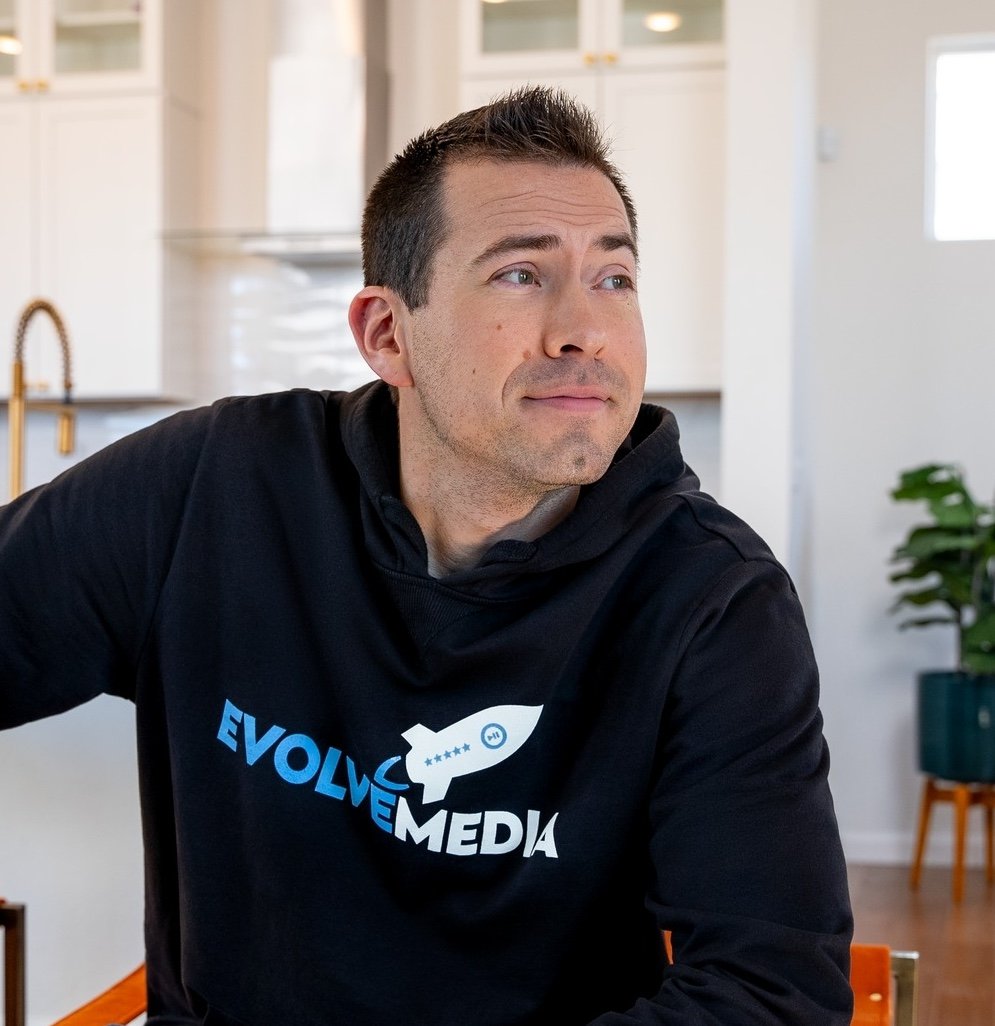
Ian Smith
Founder, Evolve Media Agency
Ian has run Evolve Media Agency since 2017 and has spent more than a decade in ecommerce, building and selling his own brands and running listings, content and ads for Amazon, Shopify and TikTok Shop brands. He writes every page on this site himself, and he checked every term on this page against the company's own site.
AI Product Photo Questions
What is the best AI product photo generator?
Can I use AI images on Amazon?
Is there a free AI product photo tool?
How much does Photoroom cost?
Can AI replace a product photoshoot?
What is the best AI tool for clothing photos?
Do AI photo tools change my product?
Can I use AI product images commercially?
Do AI lifestyle images convert better?
How did you rank these tools?
Want Real Photos With AI Variations?
We shoot your real product, then build AI lifestyle scenes from those photos so every image matches what customers receive. Book a free call.
Want Ian to Look at Your Brand?
Tell us what you sell and where you are stuck. Ian replies within one business day, and you get an email right away with a link to book a free 30-minute call.
- Brand management, PPC, listings, launches and content
- Amazon, Shopify and TikTok Shop brands
- A real reply from Ian, not a sales bot
Rather talk now? Call or text 719-257-3557 or pick a time on Calendly.