
If your brand lives 80% or more on Amazon right now, you are not running a business with a foundation — you are running a business on borrowed time. The fees go up every year. The ad costs climb. The algorithm changes without warning. And every single customer you have ever served belongs to Amazon, not to you. You cannot email them. You cannot reach them when you launch your next product. You cannot build loyalty with people whose names you do not even know.
We covered why this matters in depth in our Shopify vs Amazon 2026 guide. The short version: Amazon-only businesses sell for 2-3x earnings. Businesses with owned channels, an email list, and a functioning Shopify store sell for 4-6x. The difference on a $500K profit business is $1.5 million. That is the financial case for doing this now, while your Amazon business is still strong — not reactively after something goes wrong.
This guide gives you the complete playbook for building your Shopify channel alongside Amazon in 90 days — including the tools, the real costs, the insert card strategy that bridges both channels, the email flows that turn first-time buyers into repeat customers, and the exact mistakes to avoid.
⚡ The key mindset shift: Amazon is your discovery and acquisition engine. Shopify is your brand headquarters and customer ownership layer. You are not leaving Amazon — you are building the infrastructure that makes every Amazon customer worth 3-5x more over their lifetime. Run both. Never choose.
The Amazon Escape Plan: The Full Diversification Playbook
This guide covers the highlights. The full ebook goes much deeper — CAC vs LTV math, 90-day roadmap, insert card tactics, AOV optimization, email list building, and how owned audiences unlock retail partnerships. Free to read.
📚 Read Free Ebook →🚫 Why “Migration” Is the Wrong Word
The biggest mistake Amazon sellers make when they decide to build a Shopify channel is treating it like a migration — a one-time event where you move from one place to another. That framing causes sellers to either move too fast (pulling back Amazon investment before Shopify is generating real revenue) or never start at all because the task feels too big.
The right framing is a parallel build. Amazon keeps running at exactly the same level it runs today. You do not reduce PPC spend. You do not shift inventory. You do not redirect anything. You simply start building a second channel alongside it — gradually, systematically, over 90 days — until Shopify is generating 10-15% of revenue on its own. From there you scale it to 30%, then 40-50%, while Amazon holds steady as your discovery engine.
The brands that do this successfully treat it like adding a new product line, not replacing an existing one. The brands that fail are the ones who try to go all-in on Shopify before they have the infrastructure, traffic, and email list to support it.
⚠️ Do not do this: Reduce Amazon PPC spend to fund your Shopify build. Amazon organic rank deteriorates fast when ad velocity drops. Keep Amazon running at full speed and fund the Shopify build from margin, not by cannibalizing your existing revenue engine.
📋 What You Need Before You Build
Jumping straight into Shopify without the right foundation is one of the most common and expensive mistakes. Sellers build a store, spend money on ads, get low conversion rates, and conclude Shopify does not work. The store did not fail — the preparation did. Here is what needs to be in place before you spend a dollar on a store build:
- Profit margin of 40%+ before ads — Shopify requires paid traffic and that costs real money
- Professional product photography already shot — Amazon images rarely translate to Shopify brand pages
- A clear brand identity — logo, colors, voice, what makes you different from Amazon competitors
- A custom domain purchased — yourband.com, not yourbrand.myshopify.com
- At least 50 Amazon reviews — import them to Shopify via Judge.me for instant social proof
- Klaviyo account set up — free up to 250 contacts, start before your first Shopify sale
- A lead magnet planned — discount code, extended warranty, care guide, or bonus content
- Budget confirmed — minimum $3,000-$5,000 for a proper build, plus $500-$1,500/mo for initial ads
The Tool Stack You Need From Day One
| Tool | Purpose | Monthly Cost |
|---|---|---|
| Shopify Basic | Store platform — unlimited products, Shopify Payments, abandoned cart | $39/mo |
| Klaviyo | Email marketing — flows, campaigns, segmentation, revenue attribution | Free → $100+/mo |
| Judge.me | Review collection and display — import Amazon reviews, collect new ones | $15/mo |
| Privy or Justuno | Email capture pop-ups, exit intent, spin-to-win opt-in tools | $30-$50/mo |
| Rebuy or Zipify | One-click post-purchase upsells and order bumps to lift AOV | $99/mo |
| Google Analytics 4 | Traffic source tracking, conversion funnels, audience data | Free |
| Meta Pixel | Retargeting audiences, lookalike audiences, ad attribution | Free |
💵 The Real Cost Breakdown: Two Scenarios
One of the reasons sellers delay building their Shopify channel is that they overestimate the cost. Here are honest numbers for two real scenarios — starting from scratch versus adding Shopify to an existing brand that already has momentum, photography, and a customer base to draw from.
| Cost Item | Starting From Scratch | Existing Brand With Momentum |
|---|---|---|
| Shopify store design & build | $2,000-$5,000 | $0 (existing site) |
| Product photography (Shopify-specific) | $500-$1,500 | $0-$500 (minor updates) |
| Klaviyo setup + flow build | $500-$1,500 | $200 (flows only) |
| Apps (first 3 months) | $550-$700 | $550-$700 |
| Insert card design + print run | $200-$500 | $200-$500 |
| Initial paid ad budget (Month 1) | $1,000-$2,000 | $500-$1,000 (warm retargeting) |
| UGC / influencer content | $500-$1,000 | $0-$500 |
| Total First-Quarter Investment | $5,250-$12,200 | $1,450-$3,200 |
The existing brand scenario is dramatically cheaper because you already have photography, a customer base to retarget, Amazon reviews to import, and a known product-market fit. Your first-quarter Shopify investment essentially becomes testing your traffic channels and building your email list — the store build cost is minimal.
📦 The Insert Card Strategy: Your Bridge Between Channels

The insert card strategy is the single most important tactic for any Amazon seller building a Shopify channel. It is the bridge between a platform that owns your customers and a channel where you own them permanently. The concept is simple: include a physical card in every FBA package that gives buyers a compelling reason to visit your website and opt in.
What you cannot do: directly solicit buyers to purchase from your website instead of Amazon, include discount codes that incentivize leaving Amazon for a future purchase, or use Amazon buyer data to email customers externally. Amazon's terms are clear on this and violations risk account suspension.
What you absolutely can do: give buyers a genuine reason to engage with your brand directly. Here is what works:
📦 Insert Card Strategy: What Works vs What to Avoid
✅ Compliant Approaches That Convert
❌ What Violates Amazon TOS
The Pixel and Retargeting Play
Here is the tactic most guides miss entirely. When your insert card drives a buyer to a specific landing page on your Shopify site — say, yourbrand.com/vip — your Meta Pixel fires on everyone who visits that URL. You can build a custom audience of every Amazon buyer who visited that page and run retargeting ads specifically to them. They are not cold traffic. They already own your product and trust your brand. Conversion rates on this audience are dramatically higher than cold prospecting traffic, and it is a completely compliant way to re-engage Amazon buyers at scale.
Pro setup tip: Create a dedicated hidden landing page (yourbrand.com/vip or /register) specifically for insert card traffic. Install your Meta Pixel and Google tag on that page. Every Amazon buyer who visits gets added to a custom retargeting audience automatically. Within 90 days you will have a warm audience of hundreds or thousands of verified buyers to run ads against — at a fraction of the cost of cold prospecting.
🛍 Building the Shopify Store That Actually Converts
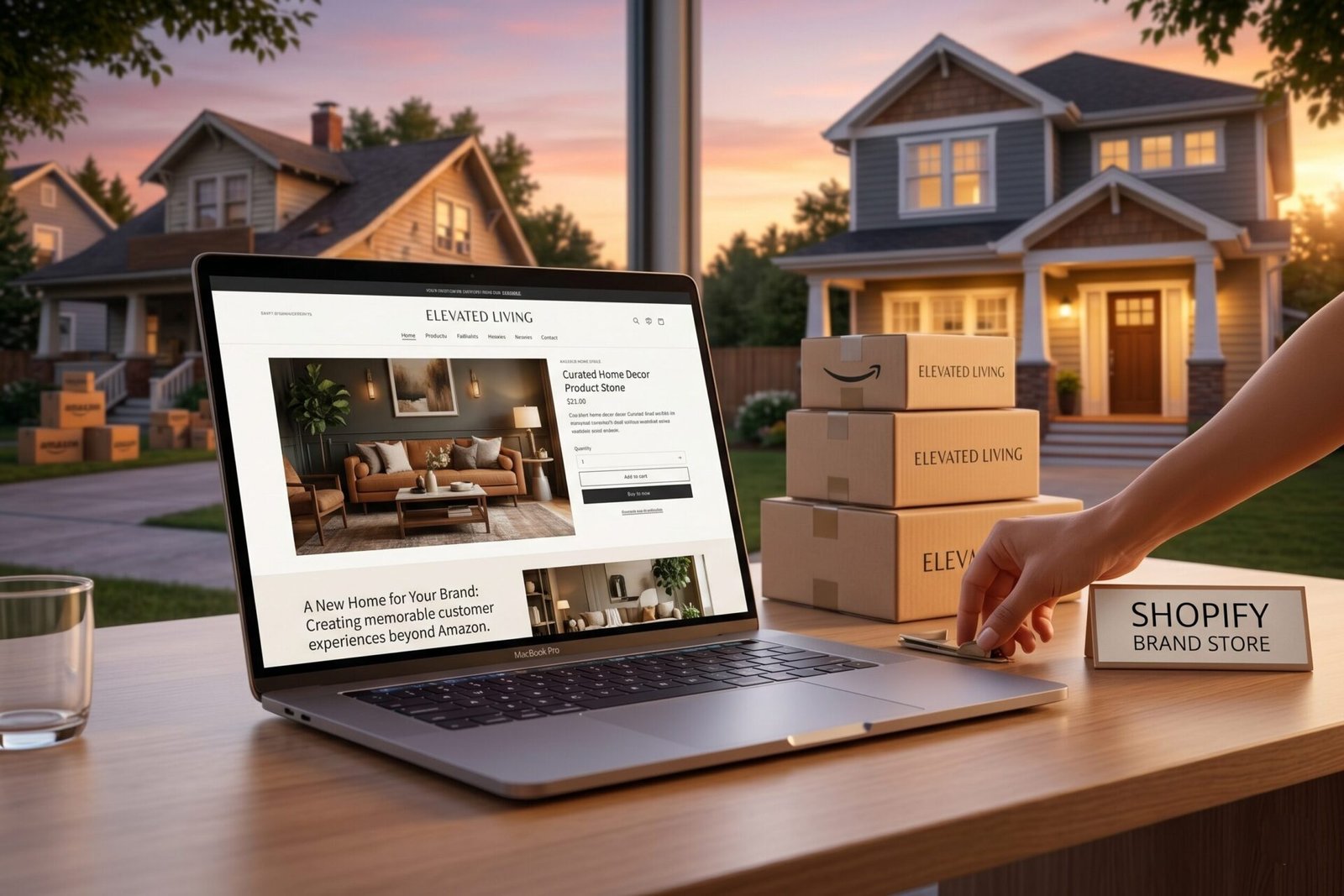
The most common mistake Amazon sellers make when building their first Shopify store is treating it like a better-looking Amazon listing. They upload the same product photos, write the same bullet points, and wonder why conversion rates are lower than Amazon. The problem is not the platform — it is the approach.
Amazon buyers convert because of intent and trust in the marketplace. Shopify buyers convert because of trust in your brand specifically. That requires something Amazon never lets you build: a genuine brand experience. Here is what that means in practice:
- Your homepage tells a story. Who started this brand, why, and what problem does it solve? This is where you use founder story, mission, and values — content that would never exist on an Amazon listing.
- Your product pages answer every question before it gets asked. Size charts, use cases, ingredients, who it is for, who it is not for, what results to expect and when. More information means fewer returns and higher conversion rate.
- Free shipping is non-negotiable. Bake it into your pricing. “Free shipping on every order” must be visible on every page — header bar, product page, cart. Competing with Prime means removing every checkout friction point you can.
- Email capture is live before you launch. Exit-intent pop-up with a compelling offer (10% off, free guide, VIP access). Your email list starts growing from your first visitor, not your first sale.
- Reviews are prominently displayed. Import your Amazon reviews via Judge.me before you go live. A new Shopify store with zero reviews converts at 2-3%. One with 50+ reviews and a 4.5+ star average converts at 8-12%.
- Upsells are built in from day one. Post-purchase one-click upsell via Rebuy or Zipify. “Add this complementary product for 40% off — one click, no re-entering your card.” Shopify AOV averages $60-80+ vs Amazon’s $24-34 because you own the upsell funnel entirely — especially when paired with AI-powered product recommendations.
Need help with your Shopify build? Our web development team builds conversion-optimized Shopify stores specifically for Amazon brands scaling to owned channels.
📅 The 90-Day Parallel Launch Roadmap
Here is the phased approach that gives you a functioning Shopify channel within 90 days without disrupting your Amazon momentum. Each phase has a clear goal and a realistic budget so you know exactly what you are committing to before you start.
- Launch or optimize your Shopify store with professional design, product pages, and brand storytelling
- Install Klaviyo and build your welcome flow and abandoned cart sequence before going live
- Set up exit-intent email capture pop-up with a compelling lead magnet (10% off, free guide, warranty registration)
- Design and print insert cards for all FBA packaging — QR code pointing to your dedicated landing page
- Install Meta Pixel and Google Analytics 4, set up conversion tracking on add-to-cart and purchase events
- Import Amazon reviews to Shopify via Judge.me — do this before your first paid traffic
- Budget: $3,000-$6,000 one-time / Goal: Store live, email capture running, inserts in all FBA packages
- Launch retargeting campaigns on Meta targeting your insert card landing page visitors (your warmest possible audience)
- Test one cold prospecting campaign with a modest budget ($20-30/day) — lookalike audience from your buyer email list
- Optimize your email pop-up offer based on real opt-in rate data — below 3% opt-in rate means the offer needs work
- Activate post-purchase upsell via Rebuy — set up one complementary product offer at 30-40% discount
- Review ad creative performance weekly — fix the hook and visual before changing targeting (from your CPA PDF)
- Budget: $1,000-$2,000/mo ad spend / Goal: First 50-100 Shopify orders, email list at 200-500 subscribers
- Double ad budget on your single best-performing creative and audience — do not spread across too many campaigns
- Expand Klaviyo flows: add browse abandonment, post-purchase day 7 and day 30 sequences, and a winback flow
- Launch a referral program — give $10, get $10 via ReferralCandy or Smile.io
- Run your first email campaign to your growing list — not a promotion, a piece of education or brand content first
- Track TACoS across both channels — are Shopify customers returning at a higher rate than Amazon customers?
- Budget: $1,500-$3,000/mo / Goal: Shopify at 10-15% of total revenue, email list at 500-1,000+ subscribers
Want us to build your Shopify channel?
We design and build conversion-optimized Shopify stores for Amazon brands, including Klaviyo setup, insert card strategy, and Meta ad management.
📊 How to Drive Traffic to Your Shopify Store
This is the section where honesty matters most. There is no cheap traffic to a Shopify store. You are going to pay to acquire customers — either with ad spend, with time invested in SEO and content, or with the insert card retargeting strategy. First-purchase CAC on Shopify runs $30-65 depending on your category and creative quality. That is 3-5x higher than Amazon's $8-15 CAC — and it is absolutely worth it because of the LTV difference.
We cover this in detail in our Shopify vs Amazon guide, but the short version is this: on Amazon you pay full PPC cost every single time that customer buys again. On Shopify, after the first purchase, you reach them via email at near-zero cost forever. The first purchase economics are comparable. The second, third, and fourth purchase economics are not even close.
Here are the four traffic sources ranked by quality and cost, plus how to approach each one:
- Insert card retargeting (cheapest, highest converting). As covered above — pixel everyone who visits your landing page from the insert card and run retargeting ads to that audience. These are verified buyers who already own your product. CPMs are low and conversion rates are high. Start here before any cold traffic.
- Meta ads (Facebook & Instagram). Interruption-based traffic that requires strong creative to convert. Your ads need to stop the scroll in the first second. Fix hook, visual, copy, and offer in that order before touching targeting or budget — this is the core principle from our Lower CPA guide. Budget: $20-50/day to start. Scale only what is hitting your target CPA.
- Google Shopping. Higher purchase intent than Meta because shoppers are actively searching. Works best once your Shopify store has a conversion rate above 3%. Requires a product feed and Google Merchant Center setup. CPCs are lower than Amazon in most categories. Our ads management team runs Google Shopping alongside Amazon PPC for many clients.
- Email (lowest cost, highest ROI once the list exists). At 500+ subscribers, your email list starts generating meaningful revenue from campaigns and automated flows. At 5,000+ subscribers, email should be driving 20-30% of total Shopify revenue at near-zero cost. This is the channel that justifies every dollar spent on first-purchase acquisition.
💌 Email Flows That Turn First-Time Buyers Into Repeat Customers
Email flows are the reason Shopify customer LTV ($150-400) is 3-5x higher than Amazon customer LTV ($40-75). They run automatically, they cost almost nothing to send, and they reach customers at the exact moment they are most likely to buy again. Set them up once during your Phase 1 build and they generate revenue every single day without any ongoing effort.
One important principle from our Email List guide: email that educates converts better than email that just promotes. Your flows should help customers get more value from what they already bought before asking them to buy something else. Trust compounds. Discounts devalue.
Triggers when someone joins your list. Email 1: brand story and what makes you different. Email 2: product education — how to get the best results. Email 3: social proof and community. Email 4: soft offer. Do not lead with a discount — lead with value.
Triggers 1 hour, 24 hours, and 72 hours after cart abandonment. First email: product reminder, no discount. Second: answer common objections. Third: small incentive if needed. Most carts abandon due to uncertainty, not price — reassure first.
Day 1: thank you and usage tips. Day 7: check-in and review request. Day 30: replenishment reminder or cross-sell to a complementary product. This flow drives repeat purchase rate and is the single biggest LTV lever you have.
Triggers when someone views a product but does not add to cart. Lighter touch than abandoned cart — one email within 4 hours highlighting the product they viewed, answering the most common question about it.
Triggers 60-90 days after last purchase with no repeat order. Email 1: “We miss you” with a new product highlight or content piece. Email 2: a genuine offer to bring them back. Recovers 5-15% of lapsed customers at near-zero cost.
If your insert card drives buyers to your site and they opt in, you can send a compliant review request email via Klaviyo asking for an honest Amazon review. This is separate from Amazon’s buyer-seller messaging and can significantly boost your review velocity.
🚫 The Most Common Mistakes Amazon Sellers Make When Building Shopify
- Copying their Amazon listing onto Shopify. Same bullet points, same flat product images, same clinical tone. Amazon listings are optimized for keyword ranking and search conversion. Shopify pages are optimized for brand trust and repeat purchase. They require completely different content, tone, and structure.
- Not capturing emails from day one. Every visitor who lands on your Shopify store and leaves without opting in is lost forever unless you are running retargeting. Get your email capture pop-up live before your first paid traffic click. Even 2-3% opt-in rate on cold traffic compounds significantly over time.
- Running ads before the store is ready to convert. Sending paid traffic to a store with no reviews, weak photography, and no email capture is burning money. Get to a 3%+ conversion rate on organic and direct traffic before scaling ad spend. Fix the page first, then drive traffic to it.
- Skipping the insert card strategy. Your existing FBA customers are your warmest possible Shopify audience. Every week you ship Amazon orders without an insert card is a week of free customer acquisition you are giving up. Design them in week one and get them into production immediately.
- Trying to build too fast. Sellers who try to get to 50% Shopify revenue in 60 days either sacrifice Amazon momentum or overextend their ad budget before they have conversion data to work with. The 90-day parallel build approach exists for a reason. Trust the phased approach.
- Not linking Amazon and Shopify strategically. Amazon should feed Shopify through insert cards and brand awareness. Shopify should feed Amazon through review requests and brand credibility. They are not competing — they are compounding. Treat them as a single integrated system.
- Neglecting product photography for Shopify. Lifestyle images that work on Shopify are different from the white-background, text-overlay infographics that work on Amazon. Shopify needs emotional, brand-driven imagery that tells a story. Budget for a dedicated lifestyle shoot. Our photography team shoots for both channels simultaneously to keep costs efficient.
The Amazon Escape Plan Covers This in Full Detail
CAC vs LTV math for Amazon vs Shopify, the complete 90-day diversification roadmap, how to build your email list from zero, insert card tactics, AOV optimization, and how owned audiences unlock retail partnerships. Free to download.
📚 Read the Free Ebook →